
Check cover before the patient sits down
Run an eligibility check on the member number. A family check lists every dependant with their code, so the right person is billed.
Medical aid billing
Check a patient's cover before the visit, send the claim to MediKredit from the appointment, and see what the scheme pays and what the patient owes as soon as the response comes back.
Most rejections start at the front desk: a wrong dependant code, a lapsed option, a missing diagnosis. Saya catches them before the claim goes out.
Run an eligibility check on the member number. A family check lists every dependant with their code, so the right person is billed.
Tariff codes, ICD-10 diagnoses, NAPPI medicines and modifiers go onto the claim from the appointment, priced from Medprax tariff data.
Approved amount, what came from savings and what the patient owes come straight back onto the claim. A rejection shows the reason, so you fix it and resubmit.
Import the electronic remittance advice and payments match to their claims. Anything that doesn't add up lands on a short discrepancy list.
Claims, invoices, payments and the patient's portion sit on the same account. Send a statement for any period, or run them for every patient at month end.
What happens inside Saya, from the first click to the patient record.
Open a finished appointment and the claim starts with the patient, scheme and date of service filled in. Visits nobody has billed stay on a list until someone does.
A claim with both procedures and medicines goes to the switch as the transactions it expects, and comes back to you as one result.
Billed the wrong code? Reverse the claim from Saya. If the reversal is refused, the claim keeps its last valid status instead of going missing.
If a claim has already been submitted, Saya says so and points you to the original instead of sending it again.
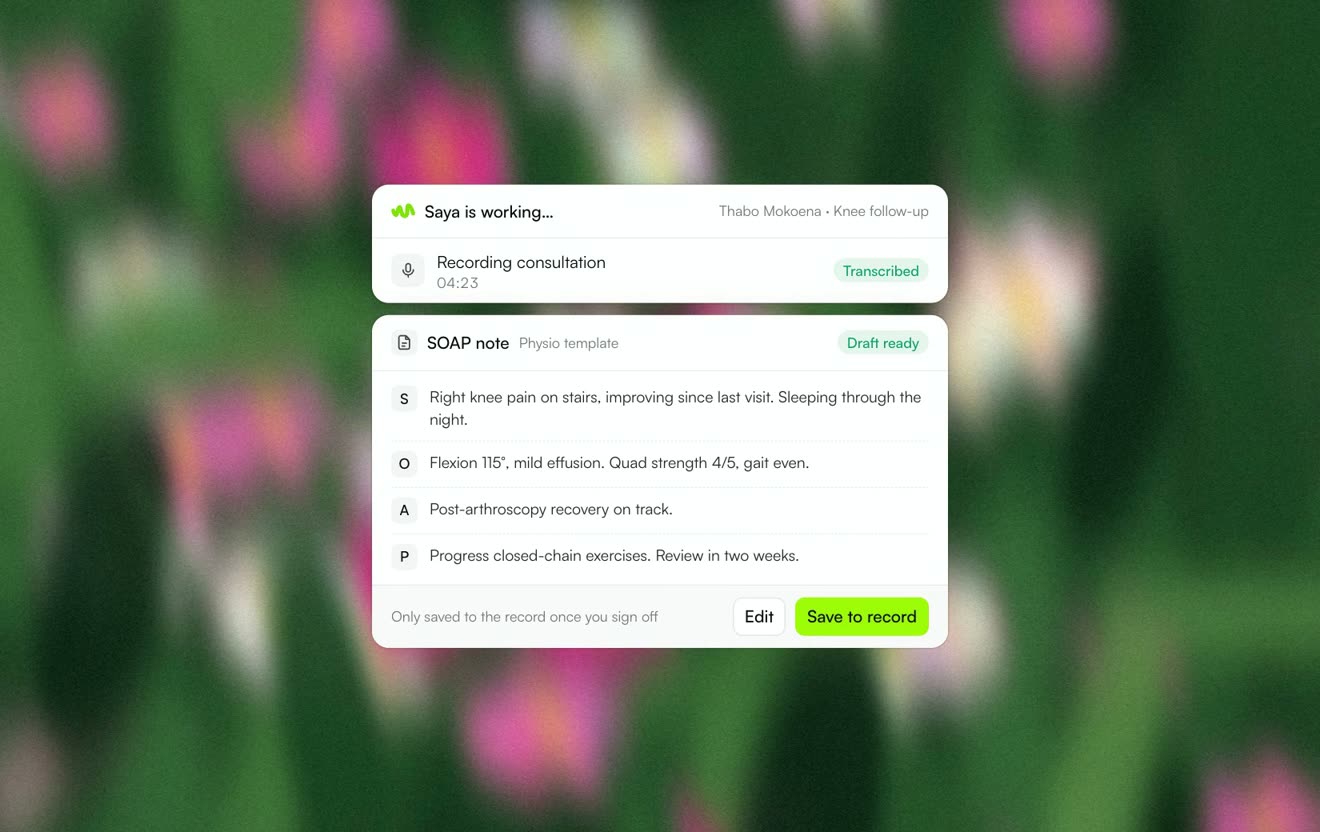 Clinical notesRecord the consult and get a SOAP note drafted in your template.Learn more
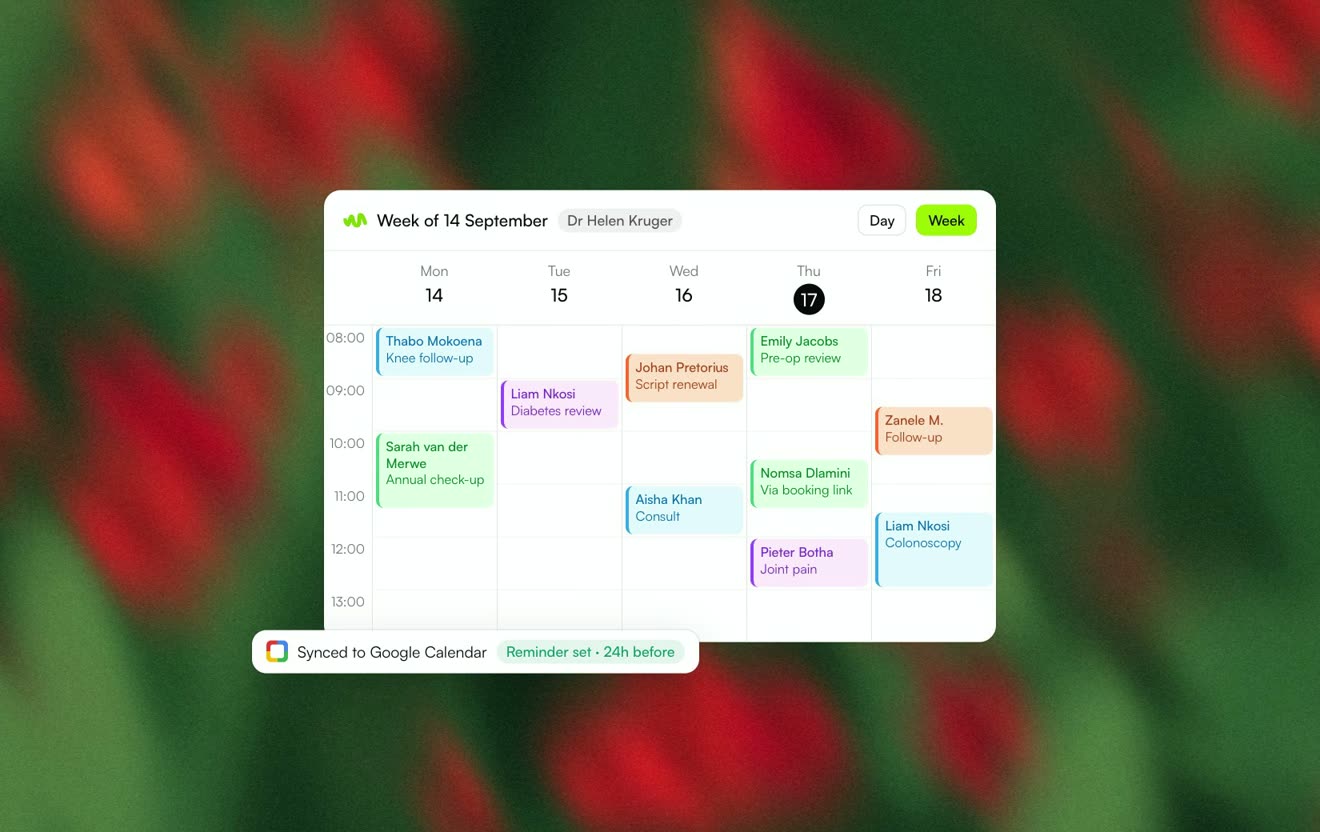 SchedulingBooking links, two-way Google Calendar sync and automatic reminders.Learn more
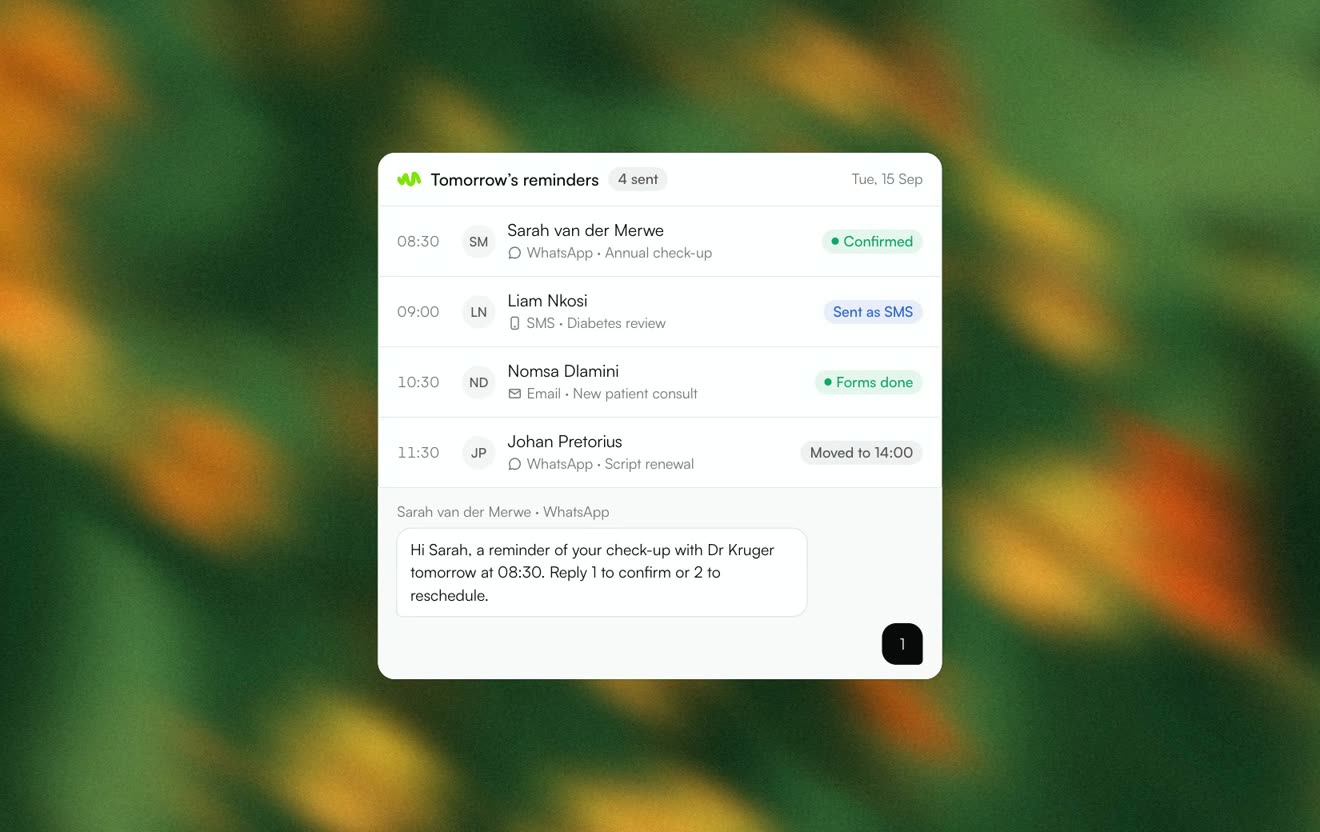 CommunicationsWhatsApp, SMS and email from one place, with delivery on every message.Learn more
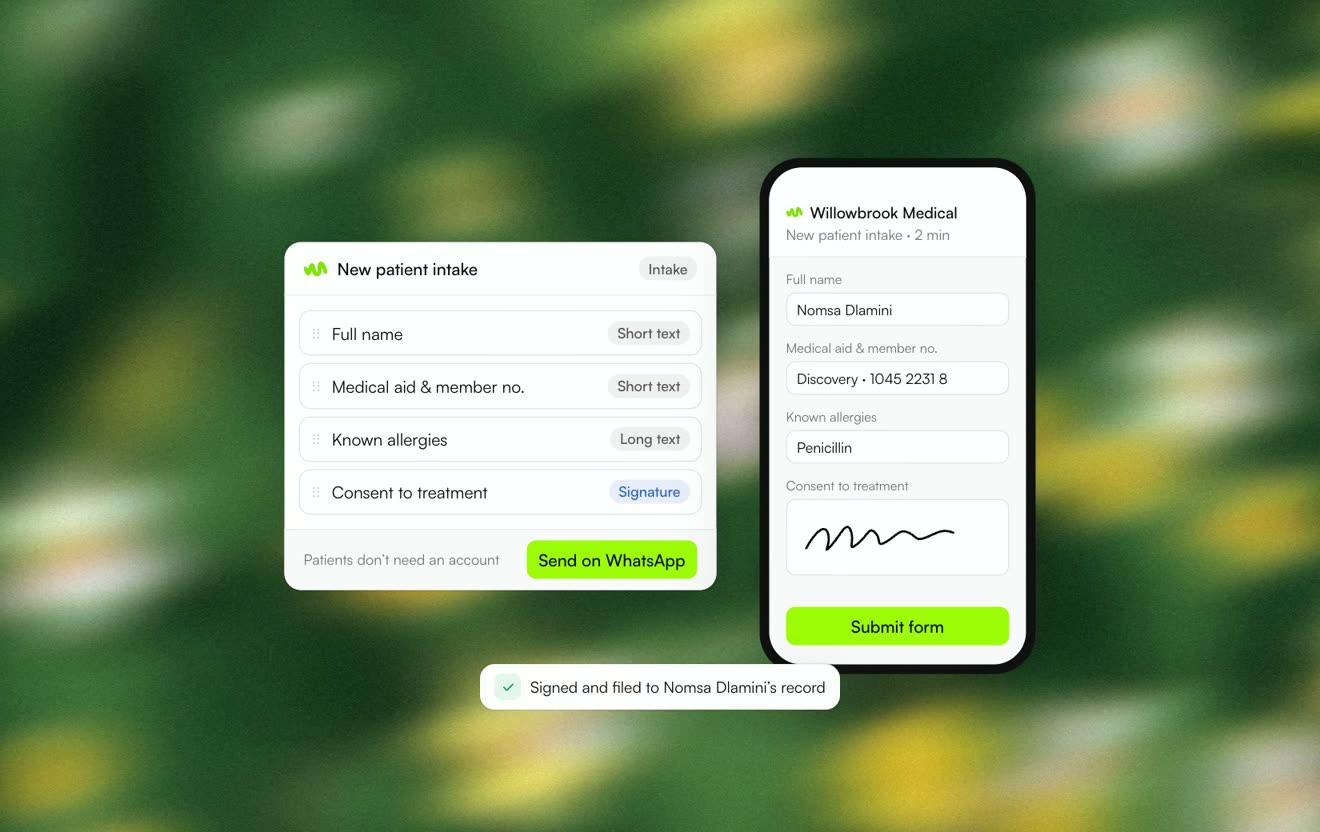 Forms & e-signingIntake and consent forms sent as a link and returned signed.Learn more