One button, then put the laptop down
No dictation, no headset, no second app running alongside your day. You press record and go back to the patient.
Clinical notes
Hit record at the start of the visit. Saya transcribes it and drafts a SOAP note in your practice's own template. You read it, fix what's wrong, save it.
The draft is waiting when the patient stands up. No stack of charts left for 7pm.
No dictation, no headset, no second app running alongside your day. You press record and go back to the patient.
Saya drafts against the SOAP templates you already use, tagged by discipline. A physio template and a GP template produce different notes.
The draft opens next to the transcript, fully editable. It doesn't touch the patient record until a clinician saves it.
Recording, transcript and note stay attached to the appointment. Six months later the history still reads in order.
Audio is captured in the browser, transcribed, and split into subjective, objective, assessment and plan. Every section is editable before you save.
What happens inside Saya, from the first click to the patient record.
Same tab as the appointment. Nothing to install on the practice PCs and nothing for reception to configure on a Monday morning.
The full transcript sits beside the note. When a line looks wrong you can check what was actually said instead of trusting a summary of a summary.
Build a template once and publish it internally so everyone works off the same structure. Change it and the next note follows the change.
Rewrite a section, cut the small talk that survived transcription, save. Until you save, it's a draft.
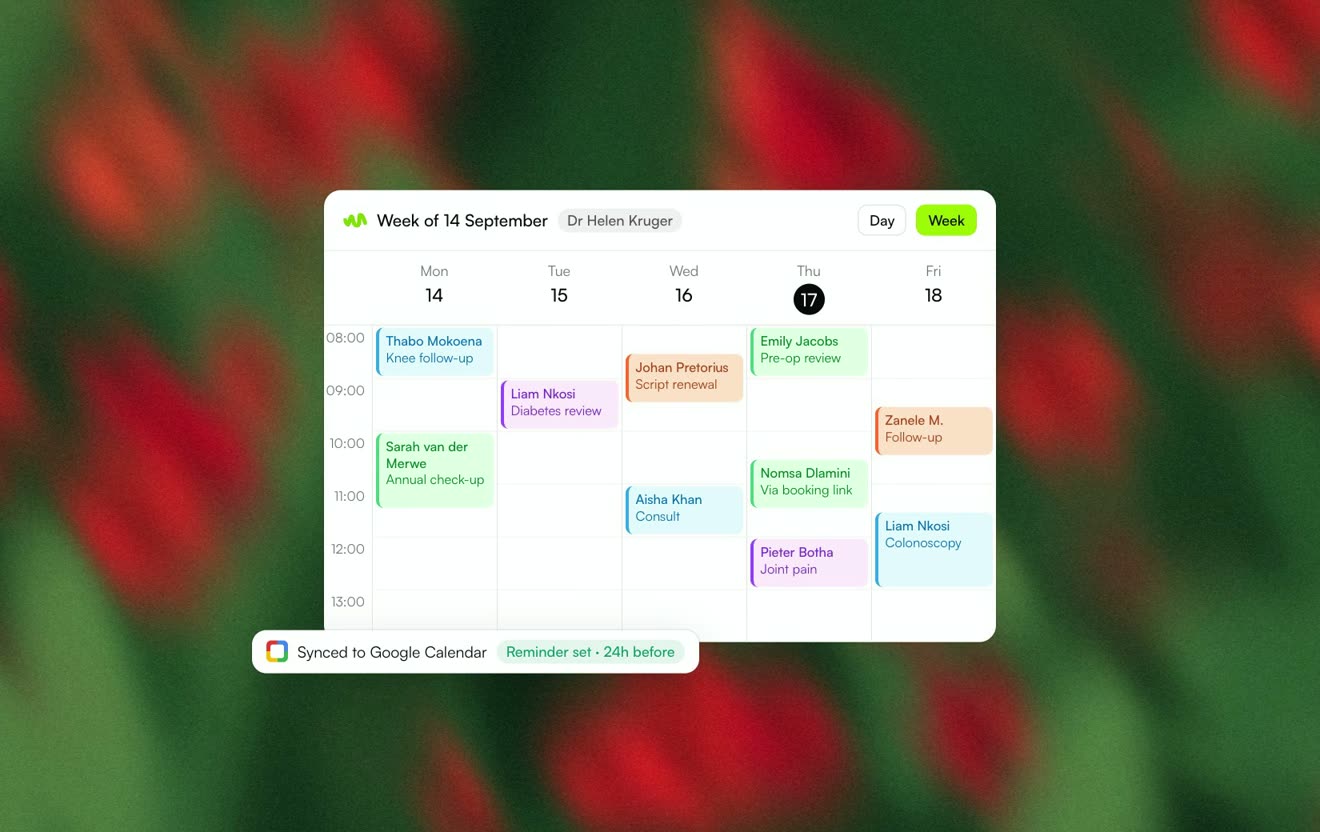 SchedulingBooking links, two-way Google Calendar sync and automatic reminders.Learn more
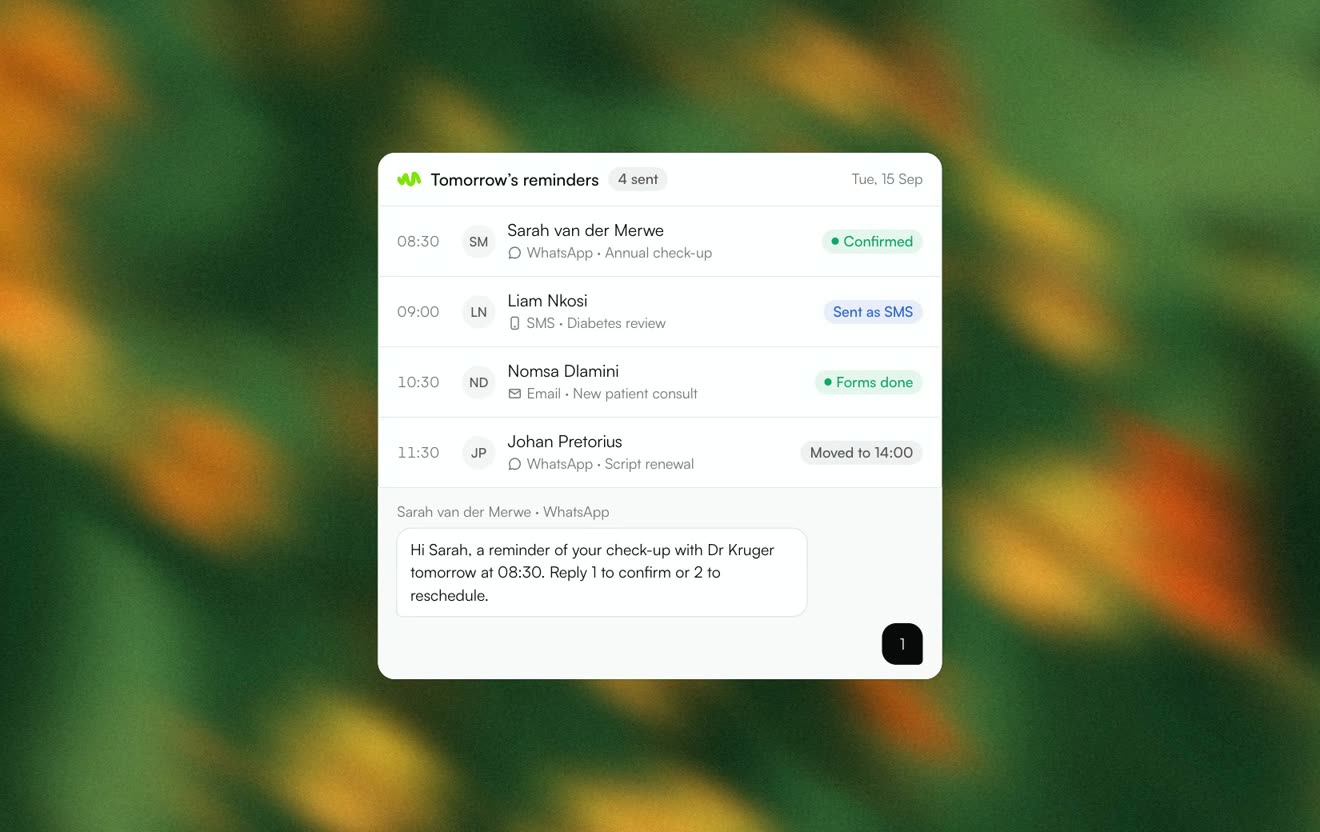 CommunicationsWhatsApp, SMS and email from one place, with delivery on every message.Learn more
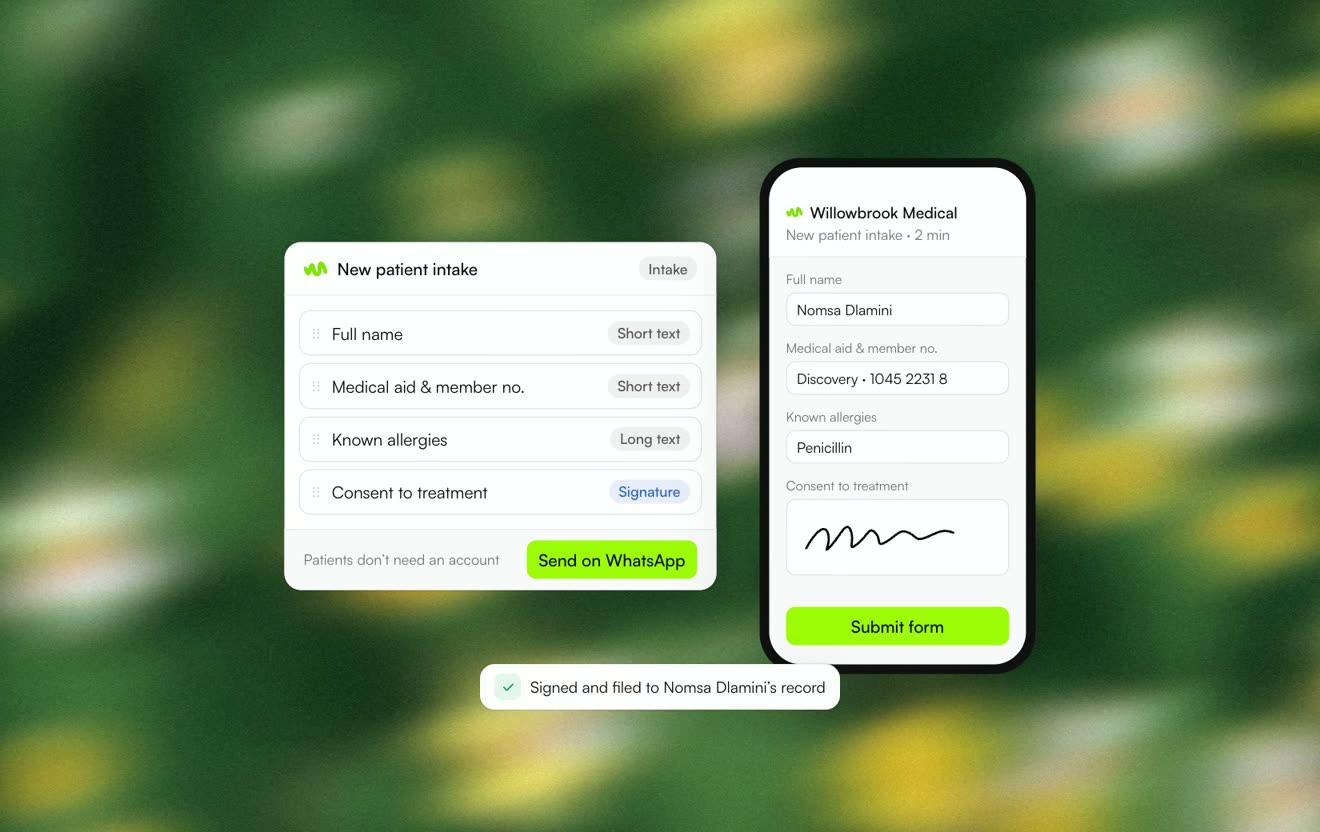 Forms & e-signingIntake and consent forms sent as a link and returned signed.Learn more
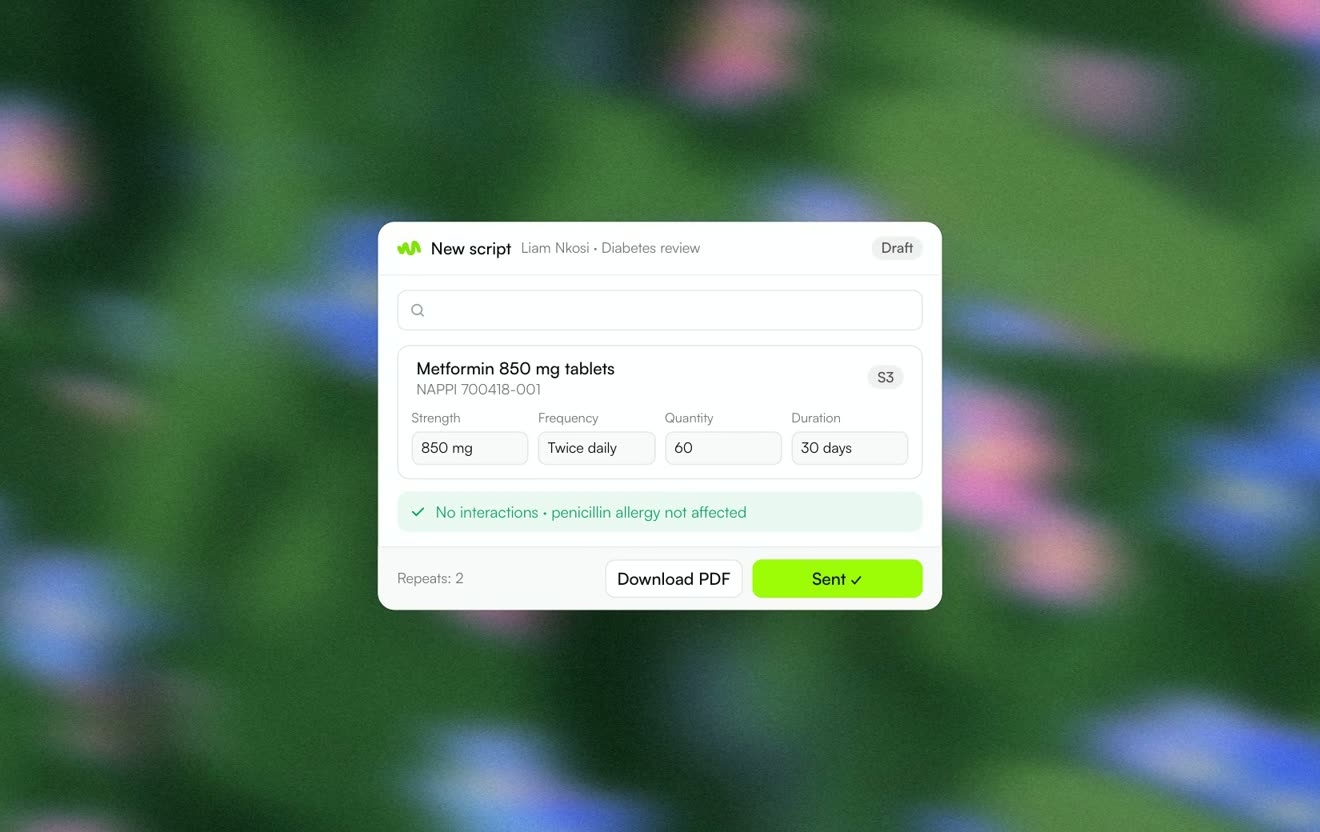 PrescriptionsScripts on South African medicine data, checked before you sign.Learn more